
You only need one subject
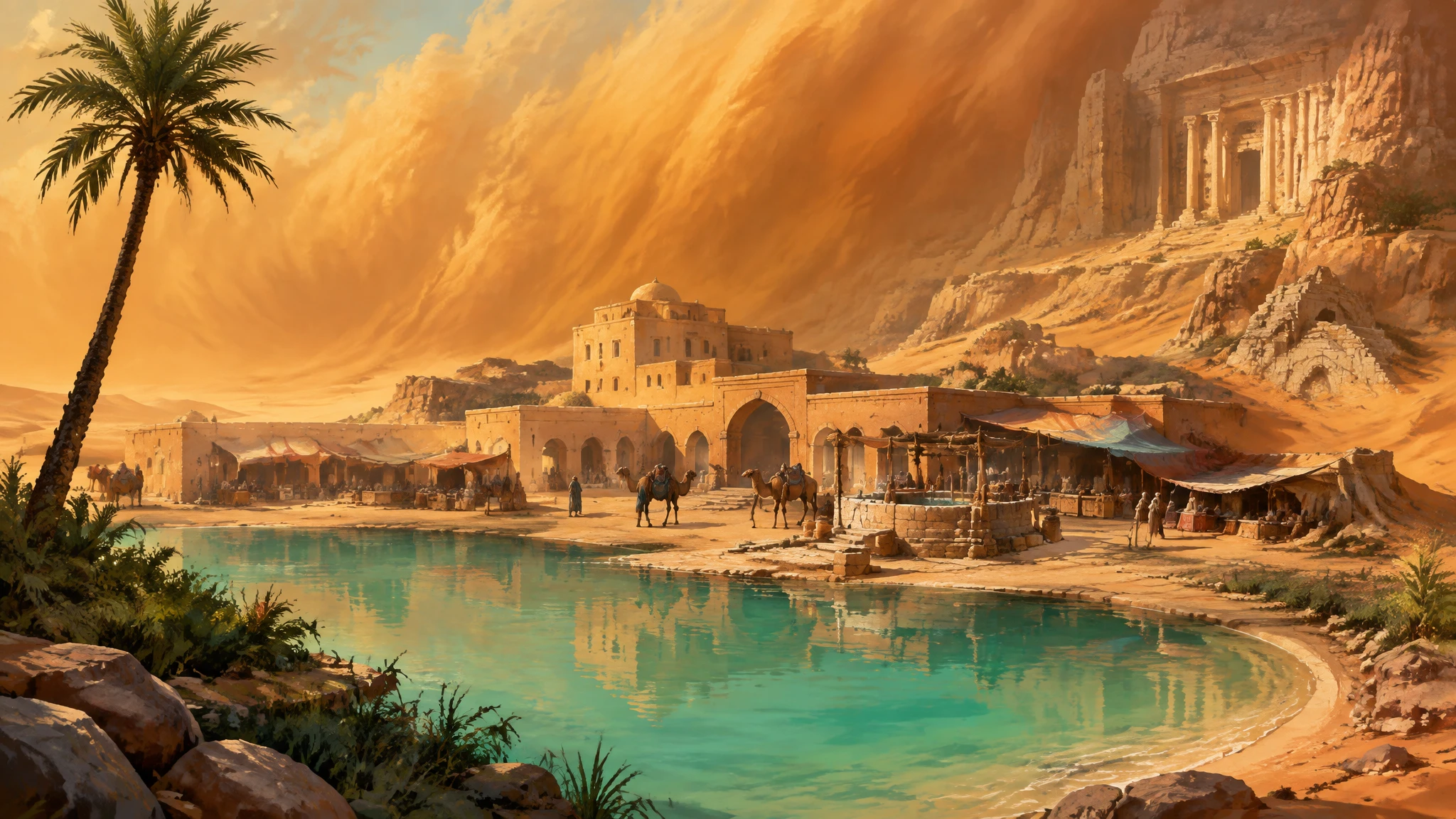
Let’s make Glasswind Oasis: a sunlit desert haven with turquoise water, tall palms, and sandstone arches. No elaborate campaign setup needed.
Open a campaign
Sign in and open Campaigns. Starting fresh? Choose New campaign, give it a name and choose its adventure type. Continue to your party, then choose Add them later.
Create a Location
Choose New → Location, name it Glasswind Oasis, and choose Create location. Open its profile and add a short public description.
A desert oasis in clear daylight. Turquoise water, tall palms, and sandstone arches against golden cliffs.
Generate. Review. Choose.
Choose Generate image on the profile. In Image Generation, the profile gives Viscanon a starting point. Add Extra directions only if you need them. Then choose Generate image.
When the result is ready, choose Use this image to make it the Location’s current artwork. That’s your first image.
Playing in someone else’s campaign?
Join through your GM’s invite, then open that campaign in Player. Choose New memory, add a Title and describe what happened in The moment, then choose Generate Memory. Review it and choose Use this image. You can decide whether to share it afterward.