
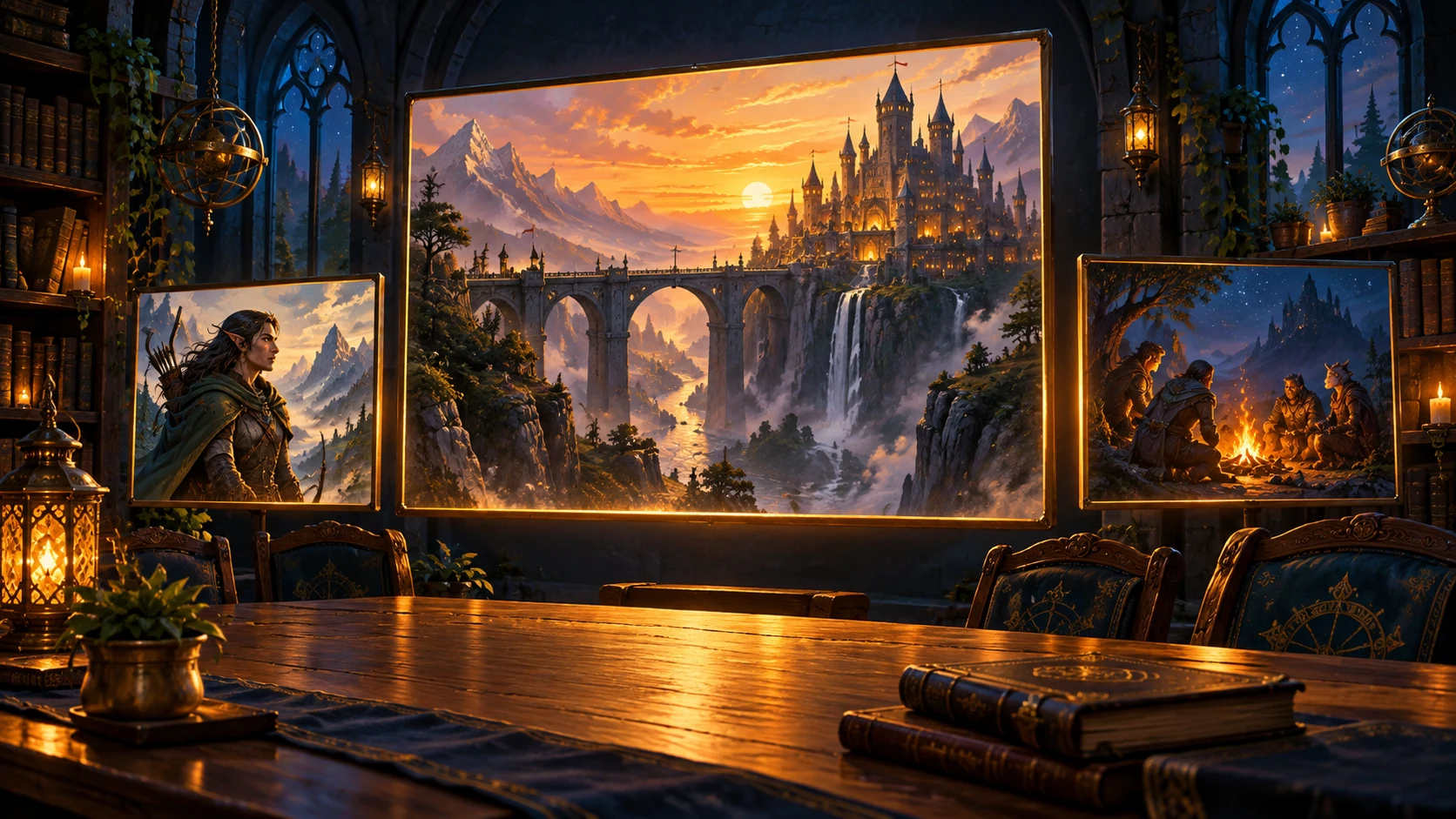
Revealed artwork and shared Memories open in image windows for your connected Foundry users. Both GMs and players can share Memories through Viscanon.
Install Viscanon Module
In Foundry’s Setup screen, open Add-on Modules → Install Module. Paste the module manifest https://foundry.viscanon.com/module.json into Manifest URL and install. Open your world as GM and enable Viscanon in Manage Modules.
Connect your campaign
In Viscanon, open campaign Settings → Foundry VTT → Create code. Copy it, then open Foundry’s Configure Settings → Viscanon → Connect to Viscanon. Paste the code and choose Connect.